IT Services & Support for Manchester Engineering Companies
Big CAD files, high-spec workstations, IP that's worth protecting and site teams who can't be down — engineering IT done by people who get it.
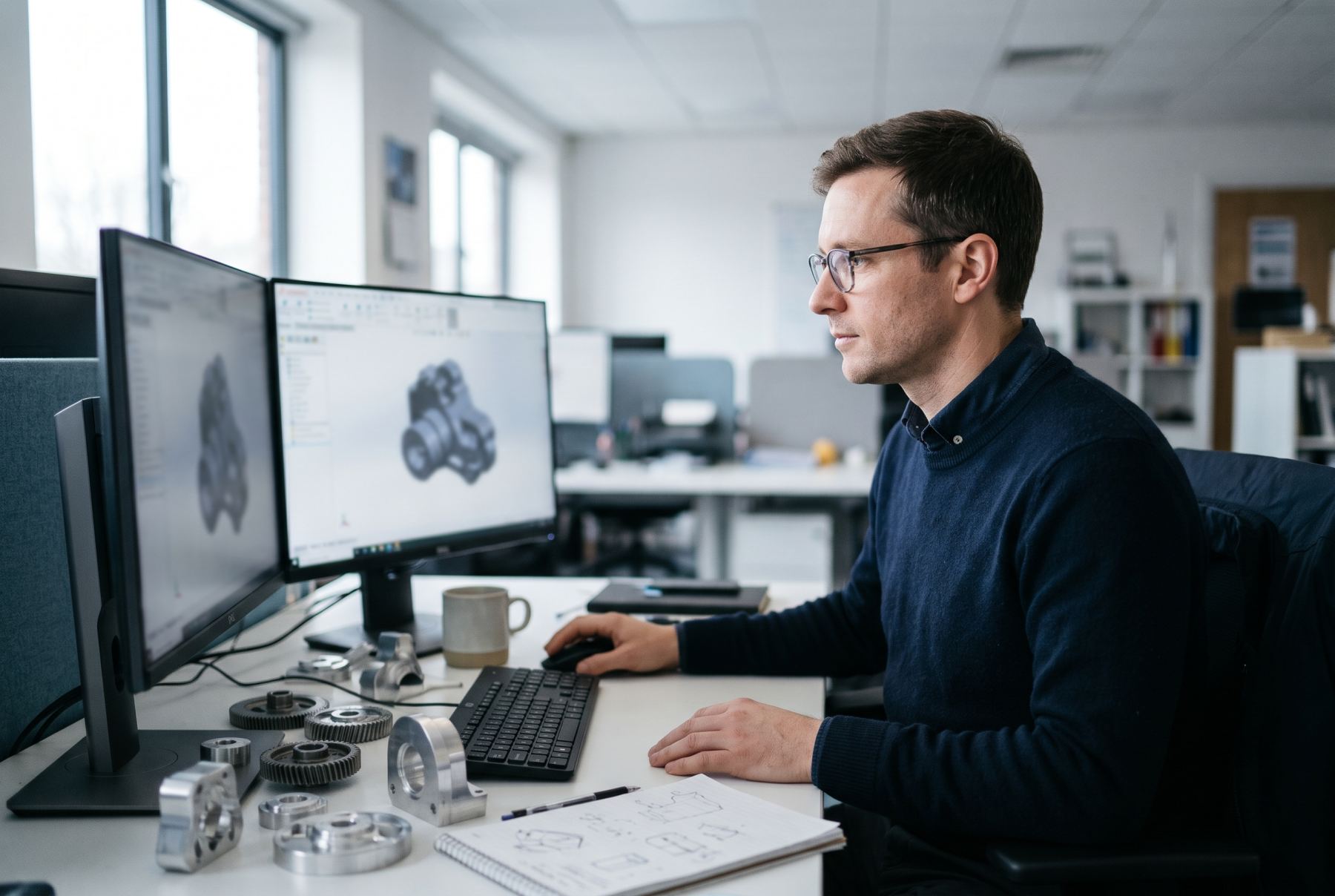
What engineering firms need from IT
Performance, protection and a partner who understands CAD isn't an Office app.
High-spec workstations
Sized for SolidWorks, AutoCAD, Inventor, Revit and Fusion — bought, leased or rented.
CAD-friendly storage
Fast NAS or SAN that keeps revision files flowing — proper versioning, locking and backups.
IP protection
Encryption, MFA and access controls protecting designs, drawings and customer data.
Site & office working
Secure laptops, VPN and softphones keep on-site engineers connected to the home office.
Standards & audits
ISO 9001 and Cyber Essentials evidence packs ready for tender submissions.
Predictable monthly cost
Flat-rate IT that scales with project size and engineer headcount.
What we take care of, day to day
The IT plumbing behind your design, manufacturing and site teams.
Where engineering IT tends to go wrong
Most IT problems we see in engineering firms follow a few familiar patterns. Here's what we look for, and what we do about each.
Slow, fragile CAD file access
Assemblies with hundreds of linked parts don't behave like spreadsheets. Over a slow connection or a crowded file share, engineers spend the day watching progress bars.
What we do: We size storage and networks around how your CAD and PDM tools read and write files, set up locking and versioning properly, and plan how remote and site staff reach the vault.
Workstations that hold projects back
Under-specified or ageing workstations crash mid-render and slow down simulation work. A mix of hardware also makes certified graphics drivers hard to keep consistent.
What we do: We specify machines against your software vendors' requirements, control drivers and updates so a patch doesn't break a toolchain, and plan refreshes before kit becomes a bottleneck.
Production and office networks mixed
CNC machines, PLCs and test rigs often run older operating systems that can't be patched like a laptop. On the same network as email and web browsing, they become an easy way in.
What we do: We separate production equipment from the office network, control what can reach it, and keep remote access for machine suppliers locked down and logged.
Designs leaving with people
Your drawings and models are often the most valuable thing you own, and customers increasingly ask how you protect theirs. A shared login or an account left open after someone leaves is all it takes.
What we do: Named accounts, MFA, sensible permissions on project folders and a proper leavers process, backed by the evidence that customers and tender questionnaires ask for.
How moving to Aspire works
Switching IT provider shouldn't disrupt your work. We plan the move around you, in four steps.
A no-pitch chat
Talk to Darren, our Operations Director, about how your business works, the software you rely on and what frustrates you about IT today.
A look at your setup
We review workstations, CAD storage, backups, licences and security, so we know what we're taking on, and tell you plainly what we find.
A planned handover
We work with your outgoing provider to transfer admin access, documentation and monitoring, scheduled around your busiest periods.
Ongoing care and reviews
Your account manager holds regular reviews with you, so upgrades, refreshes and security improvements are planned rather than rushed.
Frequently asked questions
Straight answers to the questions we're asked most often.
Let's talk about your firm
Book a 20-minute, no-pitch chat to see how we can support your engineering team.
Book A Call Send a Message